Creating a home office that balances relaxation with productivity is key to maintaining motivation and well-being while working from home. With many people continuing to work remotely, having an environment that supports focused work, yet remains comfortable and inviting, can make a big difference in your daily routine.
In this post, we’ll explore practical tips and ideas to help you set up a home office that boosts your efficiency while keeping stress levels low.
Choose the Right Location
Find a Quiet Spot
Select a space in your home that offers minimal distractions. This might be a spare room, a section of your living room, or even a converted closet. The quieter the area, the easier it will be to concentrate.
Consider Natural Light
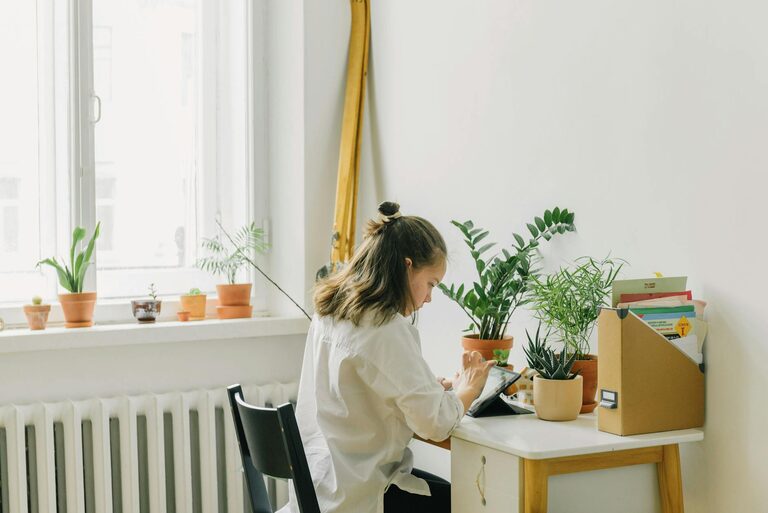
Whenever possible, position your desk near a window. Natural light improves mood and reduces eye strain. If natural light is limited, invest in good quality, adjustable lighting that mimics daylight.
Invest in Comfortable Furniture
Ergonomic Chair
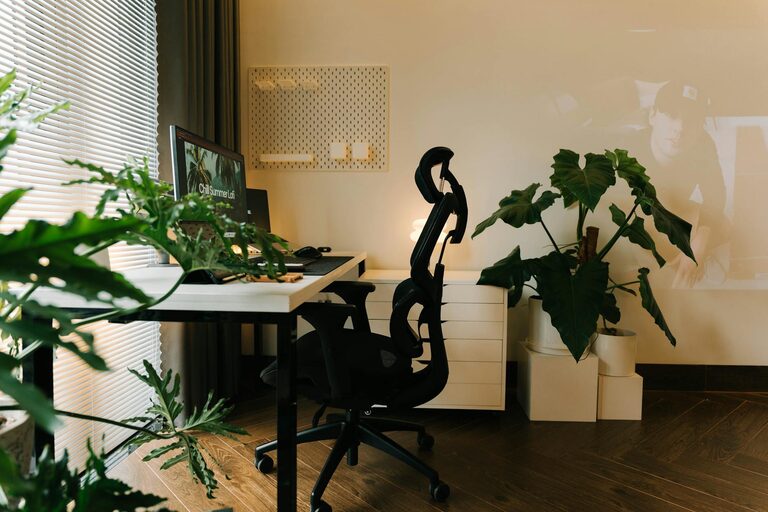
A supportive chair with proper lumbar support is essential. Sitting for long periods can cause discomfort; an ergonomic chair helps maintain good posture and reduces fatigue.
Functional Desk
Choose a desk size that matches your needs. If you use multiple monitors or need room for paperwork, ensure your desk accommodates these comfortably without clutter.
Organize for Efficiency
Declutter Regularly
Keep only the essentials on your desk. A clutter-free workspace enhances focus and reduces stress.
Use Storage Solutions
Incorporate shelves, drawers, or filing cabinets to store documents and office supplies in an organized manner. Labels can help keep items easy to find.
Personalize Your Workspace
Add Plants
Indoor plants not only beautify the space but also improve air quality and create a calming atmosphere.
Incorporate Personal Items
Display a few meaningful photos, art pieces, or inspirational quotes to make your office feel welcoming without overwhelming the space.
Manage Noise Levels
Use Noise-Canceling Headphones
If your home tends to be noisy, consider noise-canceling headphones to help block distractions.
White Noise or Soft Music
Playing soft instrumental music or white noise can improve concentration for some people.
Improve Air Quality and Comfort
Ventilation
Ensure your workspace is well-ventilated. Fresh air helps prevent fatigue and promotes alertness.
Temperature Control
Keep the room at a comfortable temperature, ideally between 68–72°F (20–22°C), to avoid discomfort.
Set Clear Boundaries
Define Work Hours
Establish a routine defining when you start and end work, helping separate professional and personal time.
Use Visual Cues
Consider a “work in progress” sign or a closed door policy during certain hours to signal to others when you’re unavailable.
Optimize Technology Setup
Reliable Internet Connection
Ensure your internet connection is stable for video calls, uploads, and other online tasks.
Cable Management
Use cable organizers to keep cords tidy and reduce distractions.
Incorporate Movement and Breaks
Stretch Area
Leave some space to stand up, stretch, or perform light exercises to stay refreshed.
Break Reminders
Use timers or apps to remind you to take regular short breaks to avoid burnout.
—
By thoughtfully designing your home office, you can create a space that nurtures productivity and relaxation. Remember that the ideal setup is personal—feel free to experiment and adjust your environment until it suits your workflow and comfort needs perfectly.
Happy working!
About the Author